On this page
You know exactly what the work is. Turning that into a clear title, a readable description and acceptance criteria your teammates can actually follow is the part that eats the time you would rather spend building. It is nobody's favourite ten minutes of the day.
So we put an AI assistant directly in the story editor, to take the boring half of that off your hands. It is live now, and the part we are quietly pleased about is that it is included in your plan, not sold back to you as a pricier tier.
Turn rough notes into a proper story
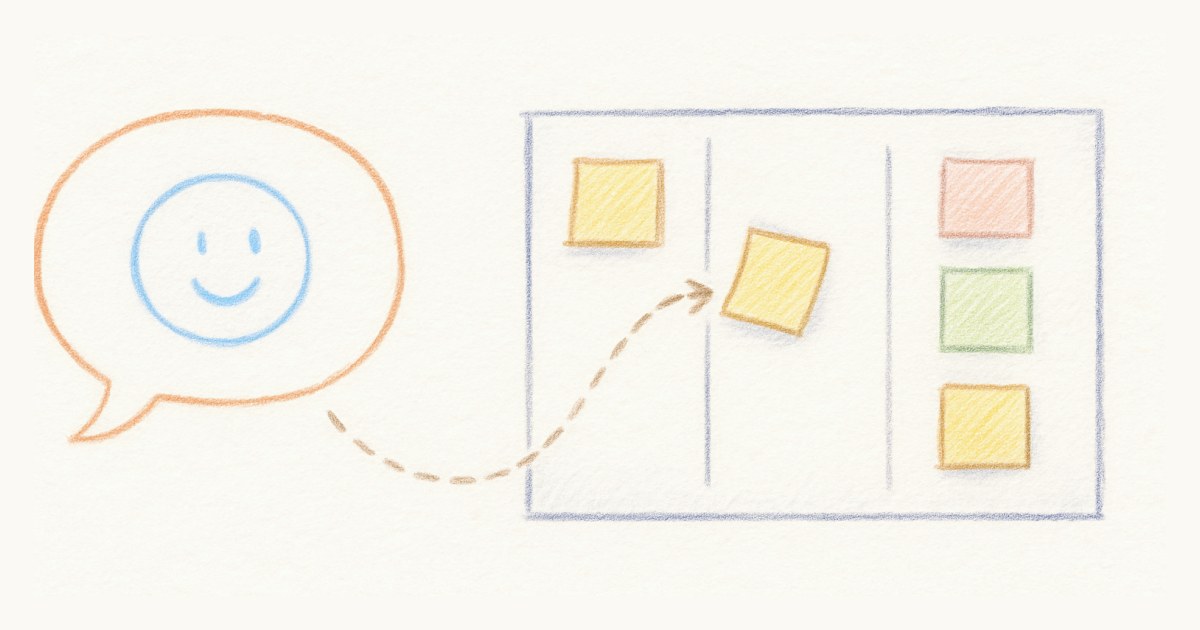
Open any story and you will see a small AI button in the editor. Write the description however it comes out, messy and half-finished is completely fine, then click it, and it improves the writing: rough notes come back as a clear, well-structured story. The little menu beside the button has two narrower jobs. Fix grammar cleans up spelling and punctuation without touching your wording, and Make concise trims a rambling description down to what matters.
It works the same way on acceptance criteria and test descriptions. Every result appears as a suggestion first, so you read it and either accept it or throw it away. Nothing is ever rewritten behind your back.
The rest of the story, drafted for you
Once a story has a description, Generate with AI in the acceptance criteria section drafts the criteria from it, for you to accept or discard. When a comment thread has run long, Summarize gives you the gist without scrolling back through it. And Suggest details proposes a type, a priority and an estimate in points, which you apply or ignore. Each one hands you a first draft to argue with, never a change you did not approve.
Teach it how your team writes
Generic AI writing reads generically, and your team can smell it. So each team gets a short playbook in its settings, a few lines where you describe your house style: how you phrase acceptance criteria, what your story points mean, the tone you like. The assistant reads that every time it helps, so the output comes back sounding like your team, not like a template.
It is the difference between an assistant that guesses at how you work and one that already knows.
Dictate with your voice
Sometimes it is just faster to say it. Click the microphone, talk through the story, and click stop. The recording is transcribed with Whisper, the "ums" and false starts are cleaned out by Claude, and the tidy text drops into the editor. It is a quick way to catch a thought in standup without typing a word, before the thought wanders off.
Included, because that is how we price things
Plenty of tools have bolted AI on as a separate, more expensive plan, or a credit balance you top up and watch drain. We did not want to play that game. The assistant is part of the same flat $9 per editor, with no separate AI bill and nothing extra to buy. View-only seats stay free, as they are for everything else.
We will be straight about the one limit: there is a generous monthly fair-use allowance per editor, comfortably more than normal writing needs. We would rather set an honest ceiling than pretend an AI feature is free for us to run and quietly degrade it when you are not looking.
Your content stays yours
Stories and recordings are sent to our AI provider only to generate the result you asked for, and are never used to train AI models. And nothing runs on its own: every suggestion is one you trigger, so if you would rather not use the assistant at all, you simply never press the button. It waits until it is asked.
Try it
If you already have a board, open a story and look for the AI button in the editor. If you do not, you can start a free 7-day trial with every feature included, this one as well, and no credit card required.
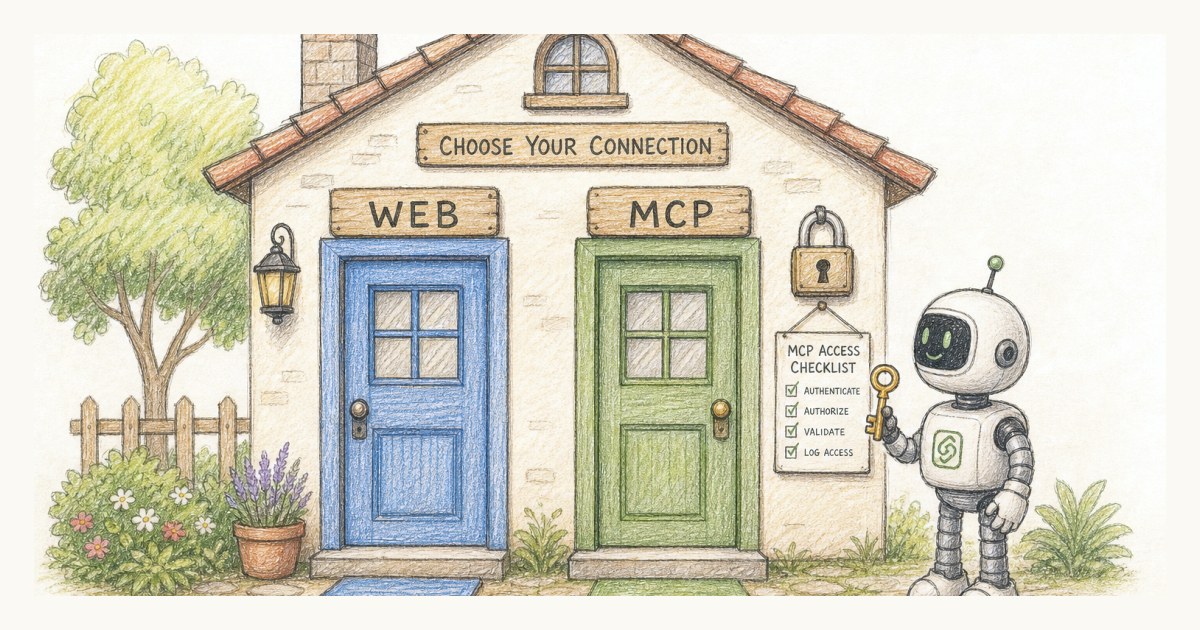
The aim behind all of it is the same one Scrumpy started with: spend less of your day wrestling the tool, and more of it doing the work the tool is supposed to be tracking. This is one more piece of the tedious part handed off, so you can get back to the board. And if you would rather do that from Claude or another AI assistant than from the editor, you can now connect it to your board too. Everything else we have added since is in the changelog.