It is Thursday morning, five minutes before stand-up, and you want to know one thing: is the sprint going to make it? You could open the board, count the cards in each column and check the dates. Or you could type "how is the sprint going, and is anything blocked?" into the Claude window you already have open, and get the answer in a sentence.
As of today, that second option works. Scrumpy has a built-in MCP server, so Claude and other AI assistants can read your board and, when you ask, do the work on it for you.
What is an MCP server, in plain words?
MCP, the Model Context Protocol, is an open standard for giving an AI assistant tools from another app. Scrumpy's server hands your assistant more than twenty of them, with names like search_stories, sprint_summary and create_stories. You never call them yourself. You ask a question in normal language, the assistant decides which tools it needs, and Scrumpy answers as if you had clicked through the app yourself.
Because it is a standard, it is not tied to one assistant. Claude on the web, on desktop and on mobile works, Claude Code works in your terminal, and other assistants with remote MCP support, such as ChatGPT and Cursor, connect to the same address.
What can you actually ask?
The read-only side is where most people will start, because it replaces a lot of clicking. "What is assigned to me?" "Which stories in this sprint have no estimate?" "Show me ABC-42." The sprint_summary tool returns time and points progress, how many stories are done or in progress, anything blocked by an unfinished story, the average velocity of recent sprints and how far each open epic has come. That is a stand-up update and half a sprint review.
The other side is where it saves real time: turning talk into work. Paste the notes from a refinement session and ask for stories with acceptance criteria in the right epic. Ask for "an onboarding epic for Sofia, starting 3 November, from our onboarding template, but skip the laptop story," and it fills in the epic template's fields and creates only the stories you want. Move a card to done, tick off "contract signed" in its checklist, mark that one story blocks another, plan the next sprint and move the top of the backlog into it.
Comments work the way you would hope. The assistant posts them as you, mentions a teammate when you write @ and their email (in comments that sends them the usual notification), and can rewrite or delete comments you wrote, never anyone else's.
How do you connect it?
Open Settings → Connected apps in Scrumpy. The server URL is there with a copy button.
In Claude, go to Settings → Connectors, choose "Add custom connector," paste the URL and click Connect. In Claude Code, run this once:
claude mcp add --transport http scrumpy https://scrumpy.it/mcp
Then type /mcp in Claude Code and pick Scrumpy. Either way, a Scrumpy sign-in page opens, you see which assistant is asking and where it will send you back to, and you approve it. There is no API key to generate, paste or leak. The full walkthrough, with example prompts and every tool, is in the guide to connecting an AI assistant.
What it will not do, on purpose
We were more careful about this half than about the features.
The assistant signs in as you, so it sees exactly the teams you can open and nothing else. If you are on a free view-only seat, it can answer questions but every tool that changes something is refused, just as the app would refuse you. It cannot delete a story, a sprint or an epic, and it cannot touch settings, members or billing. Ending a sprint moves every unfinished story into the next one, so the assistant is told to ask you before it does that.
Changes are made in your name. A story it creates shows you as the creator, and story edits land in the activity log under you, like any change you make yourself. If you ever want an assistant gone, Settings → Connected apps has a Disconnect button that cuts it off immediately, and changing your password disconnects every assistant at once.
One trade-off we went back and forth on: the assistant reads story text in a simplified form, because it is cheaper and easier for it to read. Our first version wrote that simplified text back when you asked for an edit, which quietly dropped images and @mentions. That was not good enough. Now the assistant can fetch the stored formatting and send it back intact, and it is told to do exactly that before it changes a description, so asking it to fix one sentence leaves the rest of the story alone.
Is the board still the point?
Yes, and we would rather say that out loud. An assistant is great at the clerical half of scrum: turning notes into stories, keeping statuses honest, answering "where are we" without a meeting. It is not where the team agrees what matters. That still happens around the board, with people looking at the same thing. We wrote up where we draw that line for each scrum event.
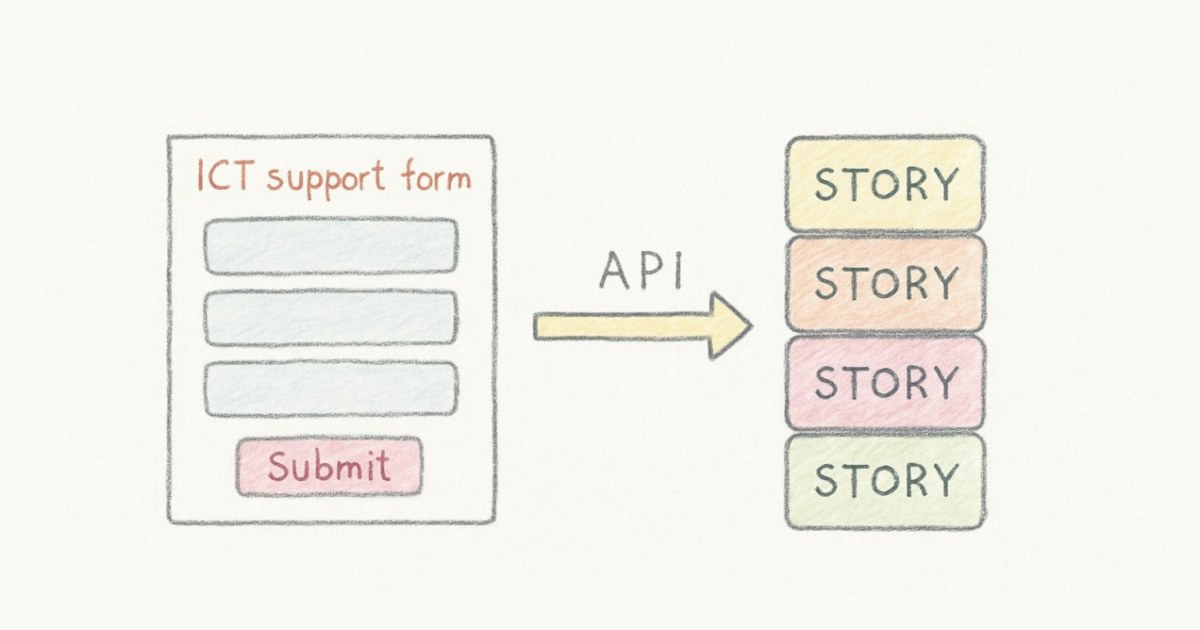
What changes is how often you have to stop what you are doing to feed that board. If your morning starts in Claude or in a terminal anyway, the board can now come to you. The server is part of every plan, with no AI tier to unlock, and the overview of what it can do is a good place to see whether it fits how your team works. If you would rather create stories from a script than from a chat, the Scrumpy API is still there for that.
Frequently asked questions
Can I use Scrumpy from Claude?
Yes. Scrumpy has a built-in MCP server. In Claude, add a custom connector with the server URL from Scrumpy's Settings → Connected apps, sign in with your Scrumpy account and approve the connection. In Claude Code, run claude mcp add --transport http scrumpy https://scrumpy.it/mcp and then /mcp to sign in.
What is an MCP server?
MCP (Model Context Protocol) is an open standard that lets an AI assistant use another app's features as tools. Scrumpy's MCP server gives an assistant tools such as search stories, sprint summary and create stories, so it can answer questions about your board and make changes for you while signed in as you.
What can an AI assistant change in Scrumpy?
It can create and update stories (also from epic templates), comment and edit or delete your own comments, link stories, tick off checklist items, create, close and reopen epics, and create, start and end sprints. It cannot delete stories, sprints or epics, and it cannot touch settings, members or billing.
Is connecting an AI assistant to Scrumpy safe?
The assistant signs in through your Scrumpy account and works as you, only in the teams you can open. Free view-only seats stay read-only, story changes appear in the activity log under your name, and you can disconnect it at any time under Settings → Connected apps. Changing your password disconnects every assistant at once.