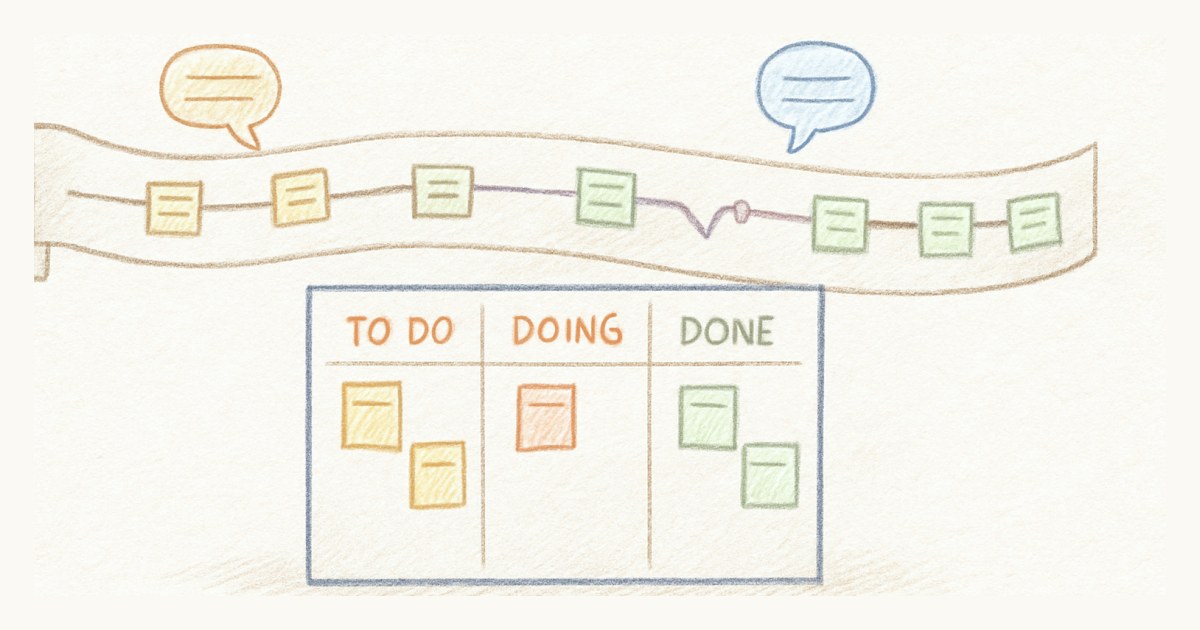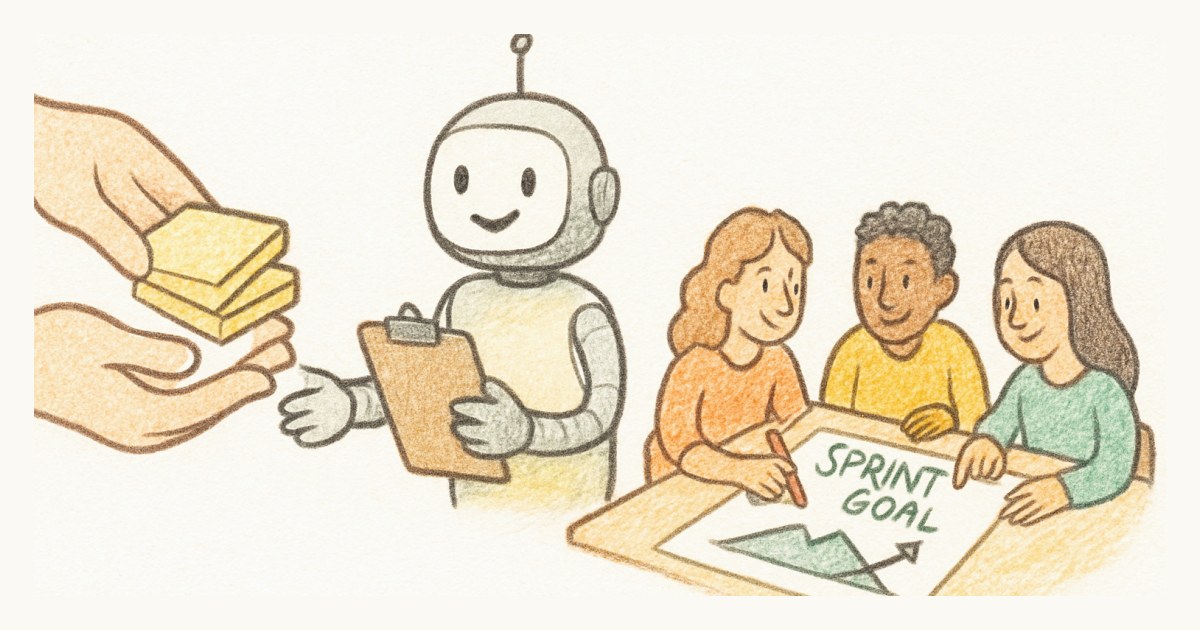
Picture a sprint planning session where the AI assistant does the heavy lifting. It picks a sensible set of stories, matches them neatly to the team's velocity, and writes a goal that summarises them. Everybody nods. Two days in, ask anyone why the team is doing this work and you get a shrug, because nobody decided it. The goal is a caption, not a commitment.
That is the whole lesson, really. Hand an AI assistant the clerical half of scrum, the counting, drafting, summarising and remembering, and keep the decisions for the people who have to live with them. The rest of this post draws that line in each scrum event, with prompts you can use as they are.
Why split the work at all?
Because the two halves of scrum fail in different ways. The clerical half fails by being skipped: nobody updates the board, acceptance criteria never get written, the retro forgets what happened in week one. An assistant fixes that well, since it does not get bored and does not forget to check.
The decision half fails by being nobody's. A sprint goal, a priority call or an estimate only means something if the team made it together, argued about it a little, and can explain it later. An assistant can produce a perfectly reasonable version of each, and that is precisely the problem: a reasonable answer nobody owns is worse than a rough one the team agreed on.
The daily stand-up
Hand off the preparation. "How is the sprint going, and is anything blocked?" is a question an assistant answers in seconds from the board: points done against points left, days remaining, which stories are stuck behind an unfinished one. Asking it five minutes before the meeting means the stand-up can start from shared facts instead of everyone reciting their tickets.
Keep the conversation. The useful part of a stand-up is the moment someone says "I'm stuck and I don't want to admit it" or "wait, I'm changing that same file." No summary produces that. If your stand-up turns into reading the assistant's report aloud, you have automated the part that did not need a meeting and lost the part that did.
Backlog refinement
This is where an assistant saves the most time, and where it is most tempting to let it go too far.
Hand off the typing. Paste the messy notes from a refinement session and ask for stories, each with a title, a short why and acceptance criteria. Ask it to flag stories that look too big to finish in a sprint, or that have no criteria at all. A good draft in thirty seconds beats a perfect story nobody got round to writing.
Keep the "should we". Whether a story belongs in the backlog, how it gets split, and what "done" really means for your users are product decisions. Treat every assistant draft the way you would treat one from a sharp new colleague: useful, usually right, and read before it goes in. The refinement session is still where the team decides; the assistant just means you spend that time deciding instead of typing.
Sprint planning
Hand off the arithmetic. Average velocity over the last few sprints, which stories will spill over, which top-of-backlog stories still have no estimate or acceptance criteria: all of that is lookup work, and an assistant does it without the usual "hang on, let me check" pauses. The sprint planning checklist has a dozen of these questions, and most of them are perfect prompts.
Keep the goal and the commitment. This is the one the opening scene gets wrong. Let the assistant propose which stories fit, by all means, and then make the team say out loud what the sprint is for. If they cannot, the plan is not done, however well the numbers add up.
Estimation sits on the line, and it is the one that looks most like an easy hand-off. A model that can read every past story should guess points well, and it often will. But the value of estimating together was never the number. It is the moment one person says 3 and another says 13, and you find out they imagined two different features. An AI estimate skips straight past that. Use it as a sanity check after the team has voted, not before.
The review and the retro
Hand off the record. What got done, what moved to the next sprint and why, which stories reopened: an assistant can pull that from the board and draft the review notes. It is also good at the retro's memory problem, reminding you that the blocker everyone has forgotten happened on day two.
Keep the feelings. A retrospective works because people say things they would not write in a ticket. Nobody is going to admit the deadline scared them to a summary tool. Use the assistant to bring the facts into the room, then close the laptop.
Ground rules that make it safe
Whatever tool you use, a few rules prevent the obvious mistakes.
Let the assistant act as a person, not as a superuser. If it signs in as you, it can only see the teams you can see and only change what you could change, and its changes are made under your name like any of yours. That one choice removes most of the scary scenarios.
Read bulk changes before they happen. "Turn these notes into stories" is great, but ten stories you did not read are ten small surprises next week. Ask it to list what it is about to create, then say yes.
Keep anything irreversible behind an explicit yes. Ending a sprint moves every unfinished story into the next one. That should never happen because an assistant inferred you probably wanted it.
Treat the board's text as information, not instructions. Stories and comments are written by people, and an assistant that reads them should not obey them. A good integration says so to the model; a good habit is to notice when an assistant suddenly wants to do something nobody asked for.
Doing this in Scrumpy
We built Scrumpy's AI assistant connection around exactly this split. The assistant signs in as you, works only in your teams, cannot delete stories, sprints or epics, and is told to ask before it ends a sprint. The stand-up and planning questions above work against a Scrumpy board as they are, and the setup guide has more.
But the split matters more than the tool. Give the assistant the work that is tedious to do and easy to check. Keep the work that only means something because the team did it together.
Frequently asked questions
Can an AI assistant replace a scrum master?
No. An AI assistant can take over the clerical work around scrum, such as summarising the board before a stand-up, drafting stories from meeting notes and doing the capacity sums for sprint planning. The parts a scrum master is actually for, like noticing a team is stuck, protecting focus and helping people agree, depend on trust and conversation, which an assistant does not have.
Should AI estimate story points?
Let it suggest, but let the team estimate. A story point estimate is valuable mostly because of the conversation it forces: two developers disagreeing on a 3 or an 8 usually means they understood the story differently. An AI estimate skips that conversation, so use it as a sanity check against past stories rather than as the number you commit to.
What should I ask an AI assistant before sprint planning?
Ask for facts, not decisions: the average velocity of the last few sprints, which stories are unfinished and will roll over, which top backlog stories still have no estimate or acceptance criteria, and what is blocked by something outside the team. That gives the planning session a clean starting point while the sprint goal and commitment stay with the team.
Is it safe to connect an AI assistant to our scrum board?
It can be, if the connection signs in as a person and inherits that person's permissions, so the assistant can never see or change more than they could. Review bulk changes before they happen, keep irreversible actions like ending a sprint behind an explicit yes, and remember that text in stories is written by people, so an assistant should treat it as information rather than instructions.