If your code sits in Azure Repos, your builds run in Azure Pipelines, your identity comes out of Microsoft Entra ID, and somebody in the building already has the words "Azure subscription" in their job, then Azure Boards is your scrum tool and this post is not going to try to talk you out of it. One work item feeds the board, the pull request and the release. One permission model. One bill. No integration to maintain and no second tool for anyone to forget to update. That is not a consolation prize, it is the strongest argument any planning tool can make, and Azure Boards makes it better than most because it is not integrated with your pipeline, it is in the same product as your pipeline.
It is also cheaper than people expect. Every Azure DevOps organization comes with five free Basic users, and Basic covers Boards, Repos, Pipelines and Artifacts. Past those five, Basic is $6 per user per month. So an eight-person team pays for three seats: eighteen dollars a month for the whole suite. If you came here for a post about how the enterprise tool is quietly expensive, that post is about a different tool.
The friction is somewhere else, and it is worth being precise about where.
"We already have Azure DevOps" is usually half true
This is the sentence that starts most of these decisions, and it is worth checking before you build a quarter of planning on it. Being on Microsoft 365 does not give you Azure DevOps. They are separate products with separate licensing, and Microsoft's billing documentation is blunt about the route in: you must purchase Azure DevOps through an Azure subscription, and you cannot buy it with a purchase order.
For a company with an Enterprise Agreement and an Azure footprint, that is a formality. For a five-person shop whose Microsoft relationship is Teams, Outlook and a SharePoint nobody opens, it is a small project: someone needs at least Contributor or Owner rights on an Azure subscription to link billing at all. There is a real shortcut, though, and it is worth knowing: Visual Studio subscriptions include Basic access, so if your developers already have those, they do not consume your free five and they do not need a separate licence.
One more detail that catches growing teams. The five free Basic users are per organization by default, but if you switch on multi-organization billing to avoid paying twice for the same person, the five free users become five shared across every organization on that Azure subscription. Microsoft says so plainly in its own billing FAQ, and it is the sort of thing you discover on an invoice rather than in a planning meeting.
What Azure Boards does better than we do
I sat down to write this expecting the shape of our GitHub Projects post, where the punchline is that a developer-platform board cannot draw you a burndown. Azure Boards is not that story at all, and pretending otherwise would be dishonest.
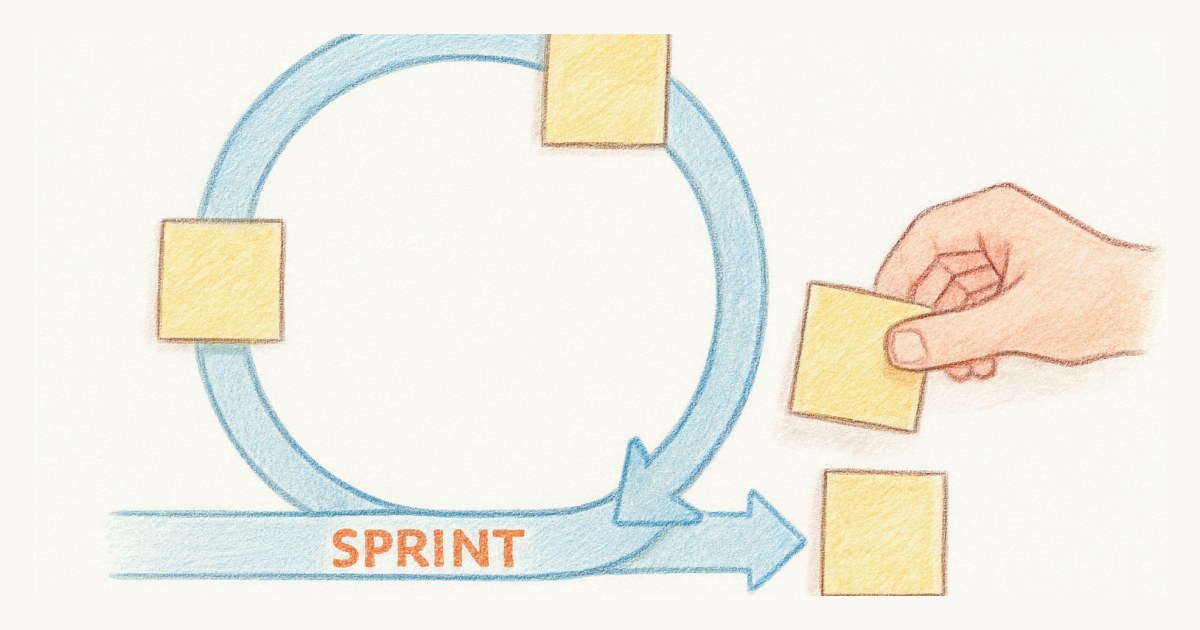
Its Scrum process is a real scrum process, not a kanban board with the word sprint written on it. You get Product Backlog Items, Bugs, Tasks and Impediments, and a workflow of New, Approved, Committed, Done and Removed that lines up with how scrum actually moves work. Sprint backlogs and taskboards are native. Team capacity is native. And the reporting is broad: Microsoft ships Analytics widgets for Velocity, Sprint Burndown, Burndown, Burnup, Cumulative Flow Diagram, Cycle Time and Lead Time, all available to anyone with at least Stakeholder access.
That is more charts than we have. Scrumpy draws one sprint burn-up and computes velocity, on purpose, because we think two numbers you look at beat seven you do not. But "more reporting than Scrumpy" is a true statement about Azure Boards, and a team that wants a cumulative flow diagram should go and get one from the tool that has it.
The choice you make in five minutes and cannot take back
Here is the friction that costs teams the most, and it arrives before you have written a single story.
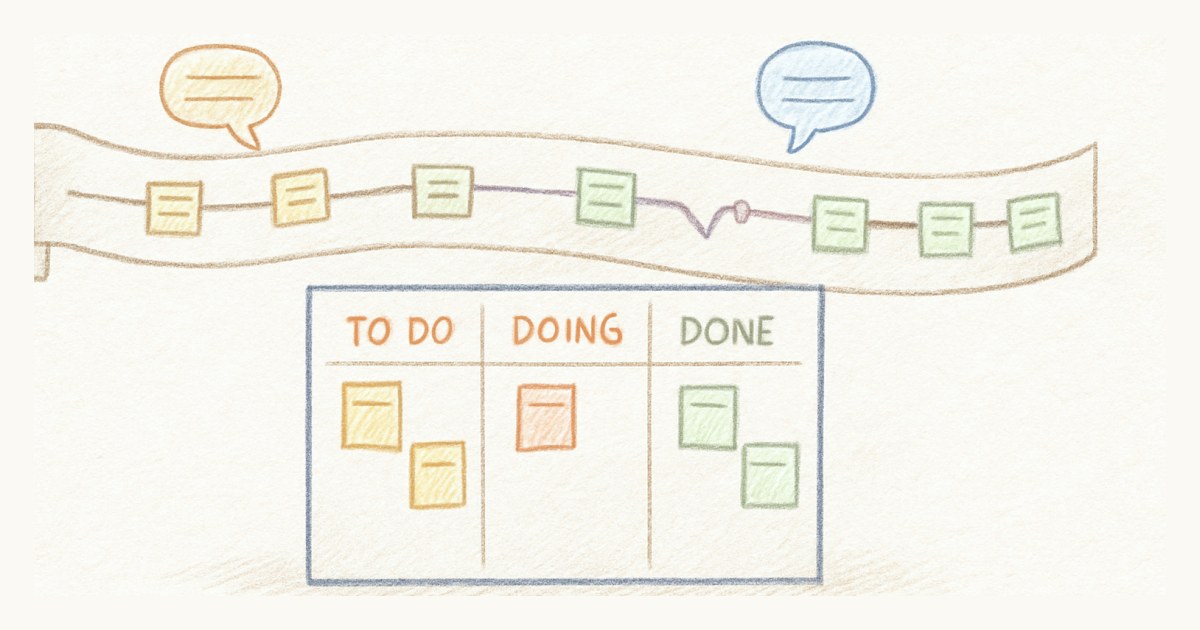
When you create an Azure DevOps project you pick a process: Basic, Agile, Scrum or CMMI. They differ in ways that matter. Basic gives you Epics, Issues and Tasks with a To Do, Doing, Done workflow. Agile tracks User Stories and keeps Bugs separate. Scrum tracks Product Backlog Items with those Approved and Committed states. CMMI adds Requirements, Change Requests, Risks and Reviews for regulated work with formal change control.
You cannot change a project's base process after the project is created. Microsoft flags this as an Important note in its own guidance. You can customize an inherited process to add fields, states and work item types, or you can create a second project on the right process and move the work items across. Both are real options and both are work.
So a dev lead who spins up a project on a Tuesday afternoon, picks Agile because it sounds like the safe generic answer, and discovers three sprints later that the team thinks in Product Backlog Items and impediments, is not stuck forever. They are just doing a migration inside the same tool. That is the tax on a system with enough depth to have four opinionated models: someone has to know which one to pick before they know how the team works.
Free stakeholders, and the four things they cannot do
Azure Boards has something genuinely good here, and it would be cheap of us to skip it. Stakeholder access is free for an unlimited number of users. We talk a lot about not paying for people who only watch, and Azure is not one of the tools that charges for it. Credit where it is due.
The detail is what a Stakeholder can and cannot do in a private project, because Microsoft's own table calls Azure Boards access "Partial" there. Stakeholders can view backlogs, boards and sprint backlogs, open and edit work items, add items to the bottom of a backlog, and drag a card to change its State. That is more than read-only, which surprised me.
What they cannot do is the planning. They cannot change backlog priority order. They cannot assign an item to an iteration using the planning pane. They cannot use forecasting. They cannot create query charts, and they cannot view query charts from the Queries page at all, though they can see one if an editor pins it to a dashboard. Azure Repos is closed to them entirely. Dashboards and the project wiki are partial: view, do not configure.
Two consequences follow. A product owner who needs to order the backlog is not a Stakeholder, they are a $6 Basic seat, and backlog ordering is most of that job. And the escape hatch is closing: Stakeholders got full work-tracking access in public projects, but public projects are retired, new ones cannot be created, and in 2027 every remaining one converts to private with anonymous access permanently switched off. If your plan involved a public project so outsiders could see the board, that plan has an expiry date.
How to tell which side of the line you are on
Four questions, and they are honest ones. If most of your answers land on the Azure side, stay there.
- Where does your code live? In Azure Repos, the argument for Azure Boards is close to unanswerable. Somewhere else, or across more than one host, and the main benefit is already gone.
- Who owns the Azure subscription? If that person exists and answers Slack messages, fine. If linking billing means a conversation with someone you have never met, weigh that against the eighteen dollars you are saving.
- Who needs to order the backlog? Count them. Every one of them is a paid seat, not a free Stakeholder.
- Do you want four process models, or one board? Choice is a feature when you have someone to exercise it and a cost when you do not.
Scrumpy answers those differently on purpose. There is no process template to choose because there is one board with sprints, story points, epics and a burn-up, and you adjust it as you go rather than deciding up front. Sprints can be switched off for teams that want a continuous flow instead. Viewers are free and unlimited and genuinely read-only, so a client or an executive can watch without becoming an editor. Pricing is one flat per-editor rate with every feature in it, and no Azure subscription in the path. Stories link out to GitHub and GitLab branches, which is the point: we are not trying to be your code host, so we do not mind which one you use. What we cannot offer is a cumulative flow diagram, or your pipelines and your board in the same product.
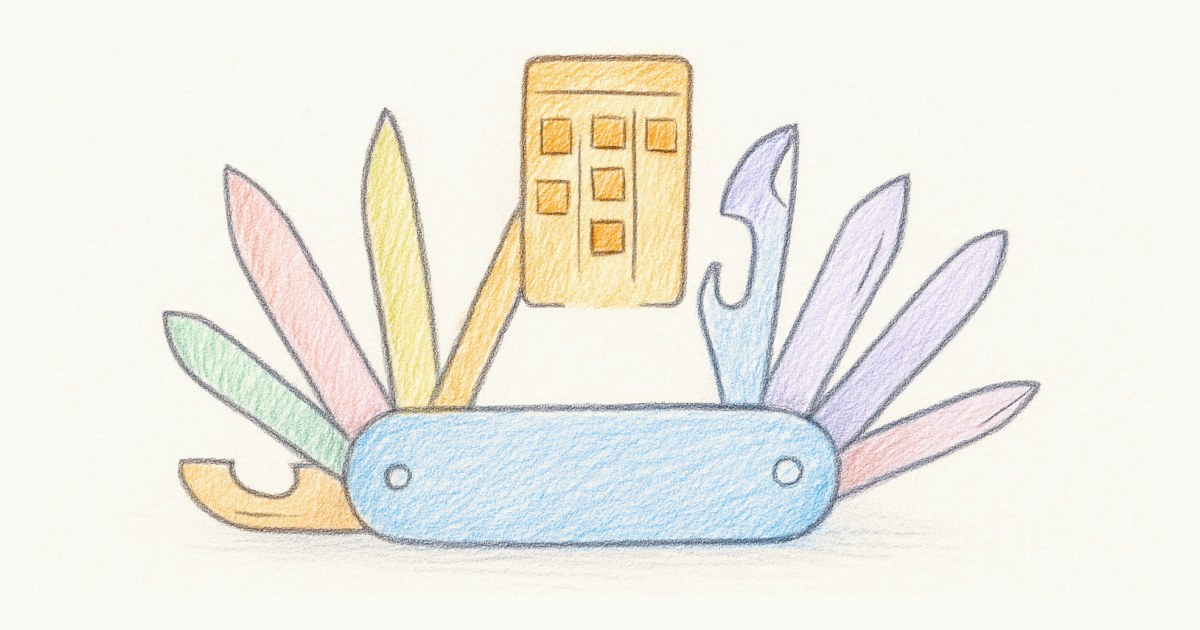
Go back and look at that pocket knife at the top of this post. Azure DevOps is the whole tool, and it is a good one. The question is not whether the blades are sharp. It is whether you came for the board and are now carrying eleven other things, and whether the five minutes you spent choosing a process model on a Tuesday is a decision you would like to still be living with in November. If it is, Microsoft built you something excellent. If it is not, start a sprint somewhere smaller and see how little you miss.
Frequently asked questions
Can Azure Boards do scrum?
Yes, properly. Azure Boards ships a dedicated Scrum process with Product Backlog Items, Bugs, Tasks and Impediments, and states that map to scrum ceremonies (New, Approved, Committed, Done, Removed). It has sprint backlogs, taskboards, team capacity, and Analytics widgets for Velocity, Sprint Burndown, Burndown, Burnup and a Cumulative Flow Diagram. Very few tools in this category ship that much scrum reporting out of the box.
Is Azure Boards free?
Every Azure DevOps organization includes five free Basic users, and Basic access covers Azure Boards along with Azure Repos, Azure Pipelines and Azure Artifacts. Beyond those five, Basic costs $6 per user per month, billed through an Azure subscription. Stakeholder access is free for an unlimited number of users, but it is limited in private projects.
Is Azure DevOps included with Microsoft 365?
No. Azure DevOps is licensed separately from Microsoft 365 and must be purchased through an Azure subscription; Microsoft's own billing documentation states you cannot buy it with a purchase order. Visual Studio subscriptions do include Basic access, so developers who already have one do not need a separate Azure DevOps licence.
What can a Stakeholder do in Azure Boards?
In a private project, a Stakeholder can view backlogs, boards and sprint backlogs, add and edit work items, and change a card's State by drag and drop. They cannot reorder backlog priority, assign items to an iteration using the planning pane, use forecasting, create query charts, or access Azure Repos. Stakeholder access is free for unlimited users.