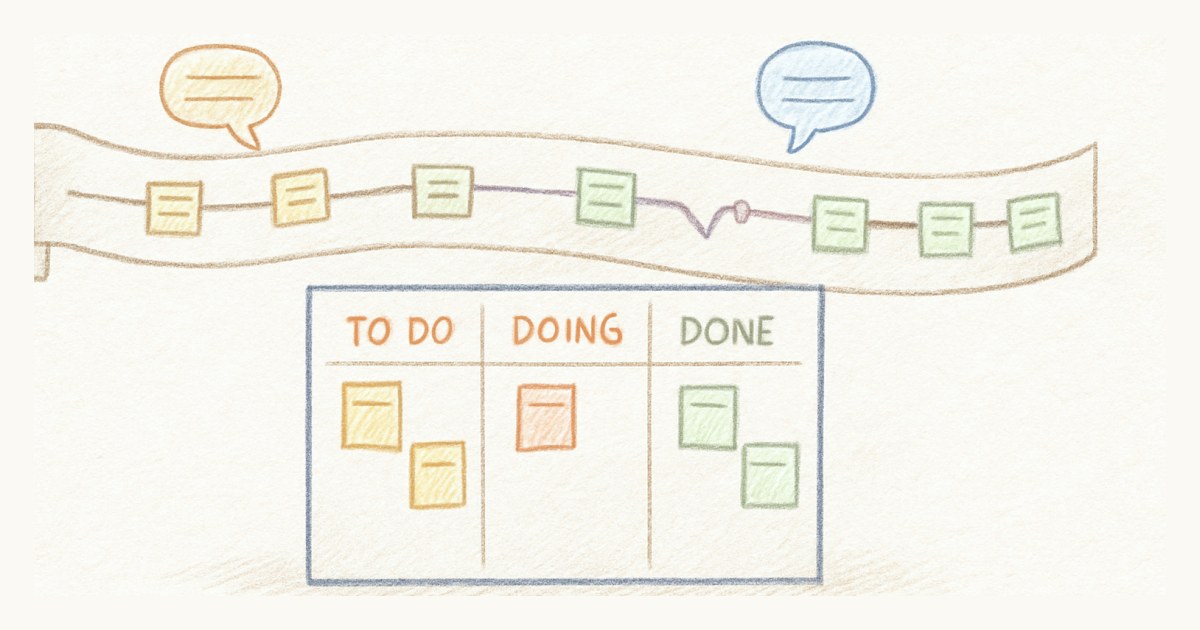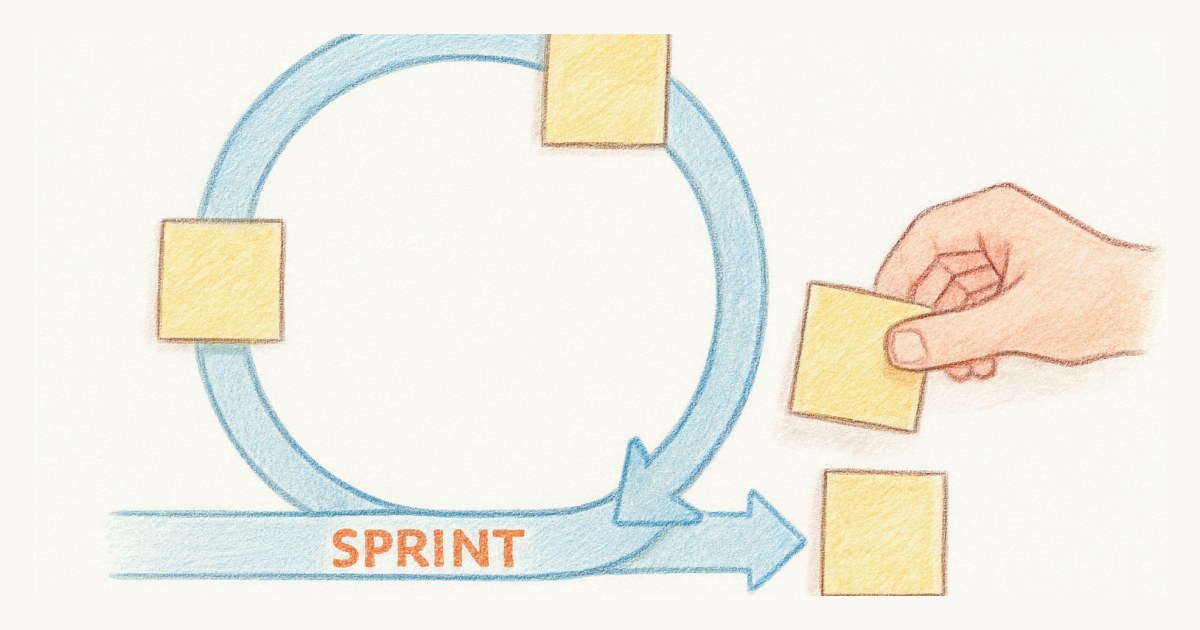
The cycle closes at midnight on a Friday. Nobody is online. On Monday the new cycle already holds seven issues that nobody talked about, because Linear moved them across on its own, exactly as designed.
That one moment is most of the difference between running scrum in Linear and running Linear's own process with scrum words on top. You can run real sprints in Linear. It takes about ten minutes of settings and one habit at the end of every cycle, and the habit matters more than the settings. This is the setup I would use if I were staying in Linear, which plenty of good teams should.
Make the cycle the same length as your sprint
Cycles can run anywhere from one to eight weeks, on a start day you choose, so set the length to whatever your sprint is. Two weeks is the usual answer, and it is a fine one.
Two other settings sit next to it. Linear lets you plan up to fifteen upcoming cycles, and I would keep that number low, two or three. A scrum team plans one sprint in detail and maybe sketches the next. Fifteen empty cycles invite people to park work in week twenty, which is a backlog wearing a disguise.
Then there is the cooldown, an optional gap after each cycle where nothing can be assigned. Linear pitches it as time for tech debt and planning. For a scrum team I would leave it off. Review, retro and planning belong at the boundary of the sprint, not in a separate no-man's-land that slowly turns into a week of unplanned work.
Turn estimates on, and switch off the free point
Under the team's estimate settings you can pick a scale: Exponential (1, 2, 4, 8, 16), Fibonacci (1, 2, 3, 5, 8), Linear (1 to 5) or T-shirt sizes, with an extended option that adds two larger values. Fibonacci is the one most scrum teams already think in, so start there.
The setting people miss is the default for unestimated issues. Out of the box, Linear counts an issue with no estimate as one point. That sounds harmless and it quietly breaks your numbers: an unrefined issue that is really an eight shows up as a one, your scope looks smaller than it is, and your velocity looks better than it is. Turn that default off. An unestimated issue should look unestimated, because it is a refinement problem, and you want to see refinement problems before planning, not after.
Should you auto-add started issues to the cycle?
Linear has two automations here: add started issues with no cycle to the current cycle, and add completed issues with no cycle to it as well.
My first instinct was to turn both off, and for a team doing pure product work I still would. Every issue that slides into the cycle without a planning conversation pushes the scope line up, and nobody decided that. The sprint stops being a commitment and becomes a bucket.
Then I thought about the teams I know that run support next to their sprint, and I changed my mind for them. If a developer spends Wednesday on a production bug, that work happened. Leaving it out of the cycle makes the chart prettier and the truth worse. So the honest rule is this: if your team only works on planned work, keep auto-add off; if interrupts are part of the job, turn it on and talk about the scope jump in the retro, because that jump is the most useful data you have.
How does Linear calculate cycle capacity?
Linear calculates capacity from the velocity of your previous three completed cycles, in issues or in estimate points depending on your settings. A brand-new team gets a rough guess based on team size. Linear shows the capacity dial on cycles that have not started yet, and that is the right moment to use it: in sprint planning, while you can still take things out.
Two caveats. Three cycles is a short memory, so one holiday cycle drags the number down for the next six weeks. Treat the capacity dial as a starting point for the conversation, not the answer to it. And the cycle's success figure counts started issues as a quarter done. That is a reasonable way to show progress mid-cycle, but in the sprint review, done means done. Look at what was completed, not at the percentage.
How do you set up a sprint board in Linear?
Open the current cycle and switch it to the board layout. It groups issues into columns by status by default, which is what a sprint board is. Add swimlanes by assignee if you want to see who is overloaded during the daily scrum.
The cycle graph next to it is a decent sprint chart. A grey line shows total scope, a dotted blue line shows an even target path through the cycle, yellow stacks the started issues, and solid blue shows what is completed. Watch the grey line. If it climbs during the sprint, work is entering after planning, and that tells you more than any other line on the chart.
Where does the sprint goal go?
Linear has no sprint goal field, but every cycle has an editable name and description. Put the goal in the description, one sentence, written as an outcome ("customers can export their invoices"), not a list of tickets. I would rename the cycle after the goal as well. "Cycle 41" tells you nothing in three months. "Cycle 41: invoice export" does.
The habit: end every cycle by hand
This is the part the settings cannot do.
When a Linear cycle ends, open issues roll into the next cycle automatically. The one exception is the escape hatch: issues moved to Backlog, Triage or Canceled before the cycle closes (or during the cooldown, if you kept one) are not carried forward. That escape hatch is how you turn rollover back into a decision.
So on the last day of the cycle, before it closes on its own, walk the unfinished issues as a team, one by one. Each one gets an answer. It goes into the next sprint because it is still the most important thing, and you keep it at its full estimate. It goes back to the backlog because priorities moved. Or it gets canceled because you have learned you do not need it. This takes fifteen minutes and it is the most useful fifteen minutes in the whole sprint. It is where a team finds out it keeps taking on a third more than it finishes. We went into how to make those calls in what to do with sprint spillover.
Skip it, and Linear will make the call for you every time, quietly, at midnight.
What Linear still will not do
Some things you will keep outside the tool. There are no ceremonies in Linear: review and retro happen in a meeting and a doc. Velocity exists, but mostly to size the next cycle; a burn-up over a longer window you choose lives in Insights, which is on the Business plan and up, not on Free or Basic. And anyone who wants to look at the board needs a paid seat, which matters the moment stakeholders or a client want to follow along. I wrote about those edges at more length in scrum in Linear: cycles vs sprints.
None of that is a reason to leave. It is a list of things to know you are carrying.
Where Scrumpy does it differently
To be fair to Linear, Scrumpy is not as different here as you might expect. When you end a sprint in Scrumpy, stories that are not done also move into the next sprint. The difference is who ends it. A Scrumpy sprint does not close on a timer. Somebody presses "End sprint", sees a confirmation that unfinished stories will move, and does it on purpose, usually right after the review. The habit I just described is built into the button instead of living in a calendar reminder. View-only seats are also free there, which solves the stakeholder problem from the section above.
If you are happy in Linear, set it up like this and keep going. If you find yourself running that end-of-cycle walk against the tool every two weeks, have a look at how the two compare or at the other tools built around sprints.
Frequently asked questions
Can you run scrum in Linear?
Yes, with some setup. Set the cycle length to your sprint length, turn on estimates, plan against the capacity Linear calculates, and keep the sprint goal in the cycle description. The part Linear does not do for you is the end-of-sprint decision: open issues roll into the next cycle automatically unless someone moves them first.
How does Linear calculate cycle capacity?
Linear calculates capacity from the velocity of the team's previous three completed cycles, counted in issues or in estimate points depending on the team's settings. A new team without completed cycles gets a rough starting estimate based on team size.
What happens to unfinished issues when a Linear cycle ends?
Open issues roll over into the next cycle automatically when a cycle ends. Issues moved to Backlog, Triage or Canceled before then (or during the cooldown, if you use one) are not carried forward, so moving them is how a team makes an explicit decision about unfinished work.
How do you make a sprint board in Linear?
Open the team's current cycle and switch to the board layout, which groups issues into columns by status by default. You can add swimlanes, for example by assignee, to see who is carrying what. That gives you a working sprint board for the cycle that is running.