There is a particular kind of tired that comes from turning features off.
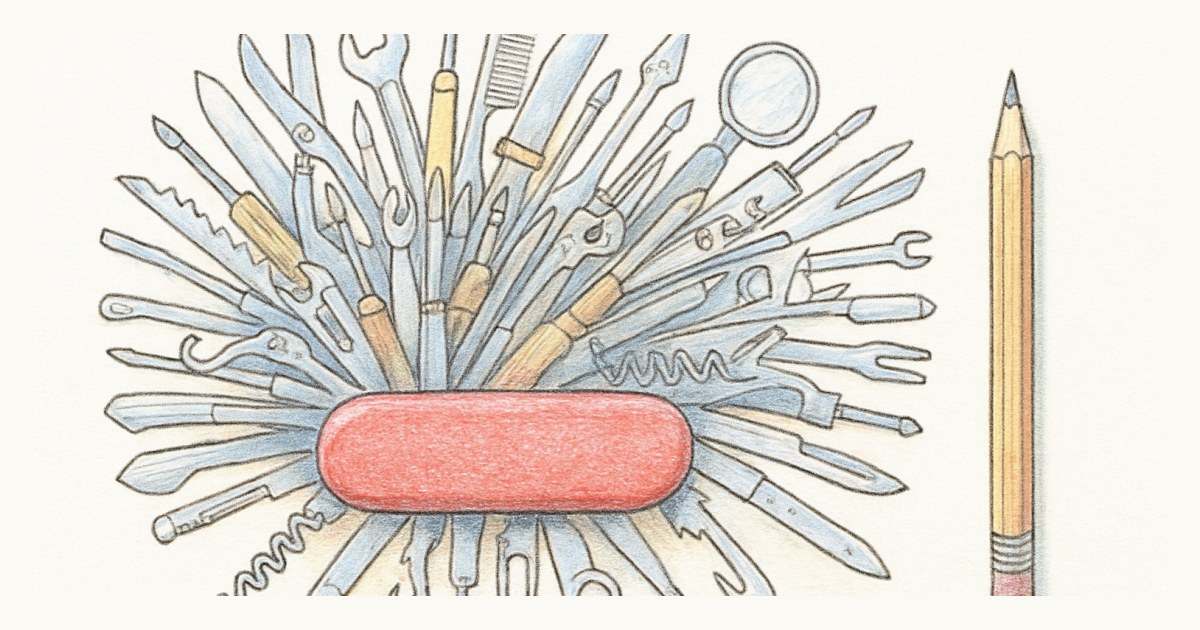
You adopt ClickUp to run sprints, and before your team has finished a single one, someone is asking how to hide the whiteboards, mute the notifications, and stop the dashboard from suggesting six widgets nobody asked for. The tool is not broken. It is doing precisely what it was built to do, which is to be an app for everything. The problem is that you wanted an app for one thing.
ClickUp is genuinely capable, and it would be unfair to pretend otherwise. It packs tasks, docs, whiteboards, goals, dashboards and sprints into a single subscription, its free plan is more generous than most, and a large majority of its reviewers rate it highly. If your company wants to standardize a whole department on one surface, that breadth is a real selling point and it earns its price. This post is not an argument that ClickUp is bad. It is an argument that breadth has a cost, and scrum teams are the ones who tend to pay it.
Where the weight shows up
The everything-app model creates a specific set of frictions, and they are consistent enough across reviews that they are worth naming plainly.
The first is the learning curve. A tool with this many capabilities has this many menus, and new teams routinely describe the early weeks as a project in themselves. The common advice, even from people who like it, is to start with almost everything switched off and add features slowly. That is sensible, and it is also a tell: you are being told to make the powerful tool smaller before it becomes usable.
The second is performance. Users of large workspaces report lag, from navigation that stutters to status changes that take a beat to register. ClickUp has publicly worked on load times, and it may well be better than it was, but the complaints have not vanished, and a board you consult during standup is not the place you want to wait on a spinner.
The third is notifications. By default ClickUp makes you a watcher of every task you touch, so activity you do not care about keeps arriving. You can tame it, but taming it is one more thing on the list of things you configure instead of the work.
The scrum reporting is real, and it is behind a tier
Give ClickUp its due here. It has sprints and it has story points, and both are available even on the free plan. That is more than some tools twice its age can say.
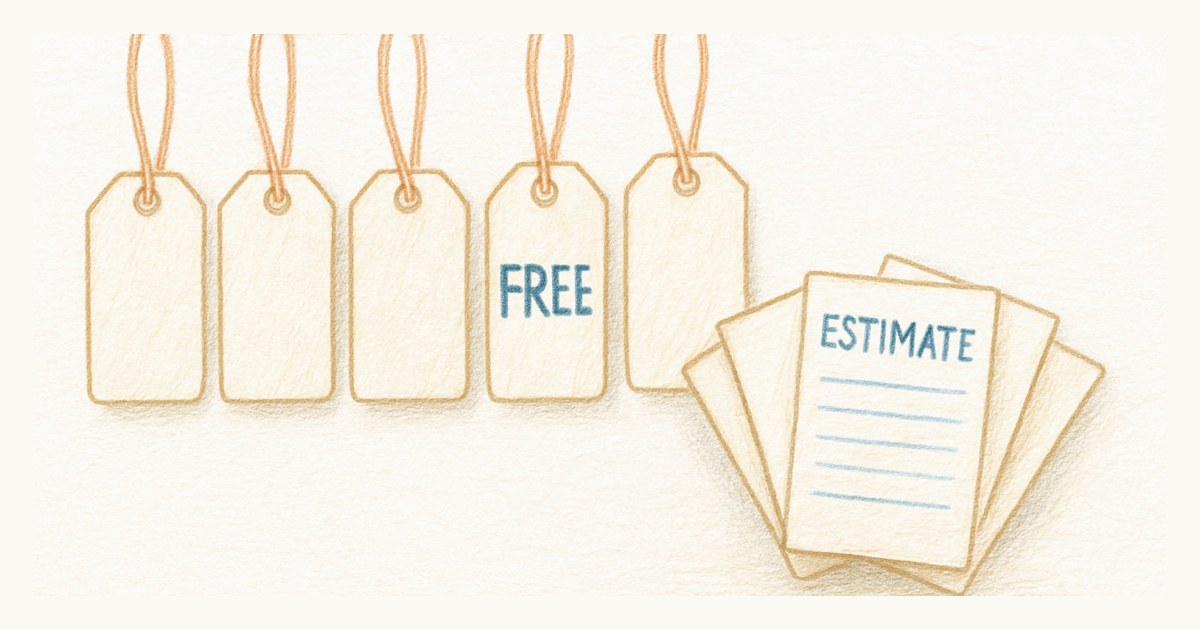
The friction is where the numbers you actually plan with live. Sprint burndown and velocity, the charts that turn a pile of finished points into a forecast, sit on the Business plan. So the free and entry tiers let you run a sprint but not really measure one, and the moment you want the reporting that makes scrum worth the ceremony, you are moving up a tier for a feature a scrum tool should treat as table stakes.
What a focused tool does instead
The case for a dedicated scrum board is not that it can do more. It is that it does less, on purpose, so the thing you came to do is the thing in front of you.
In Scrumpy there is one board, and it holds the sprint your team is working on right now. There are no whiteboards to hide or docs module to ignore, because they were never there. Story points, sprint velocity and a burn-up chart are included in the single plan rather than parceled out across tiers, so measuring a sprint costs nothing extra. Pricing is a flat $9 per editor per month, every feature in the one plan, and every stakeholder who just wants to follow along is free.
There is even a smaller, quieter benefit that scrum teams underrate: the board does not scroll sideways into oblivion. Past a handful of columns most general tools push your lanes off-screen, and we care enough about that to have written about it separately.
If your organization genuinely needs one place for docs, wikis and dashboards as well as tasks, ClickUp's breadth is worth the overhead and you should keep it. But if your team keeps trimming ClickUp down toward a plain scrum board, it is worth asking whether you would rather start from one. You can run a sprint on a tool that has nothing to switch off.
Frequently asked questions
Is ClickUp good for scrum?
ClickUp can run scrum. It has sprints and story points, even on its free plan. The catch is that sprint reporting such as burndown and velocity charts sits on the paid Business plan, and the scrum board lives inside a very large, general-purpose app that also does docs, whiteboards, goals and dashboards.
Why does ClickUp feel overwhelming?
ClickUp is an all-in-one tool with many views, settings and features competing for attention, and a default that makes you a watcher of every task you touch, so notifications pile up quickly. Teams that only want to run sprints often spend more time switching things off than using them.
Is a dedicated scrum tool better than ClickUp?
It depends on what you need. If you want one app for docs, wikis, dashboards and tasks across a whole company, ClickUp's breadth is a genuine advantage. If you mainly want a fast scrum board your team can read at a glance, a focused tool like Scrumpy has far less to configure and far less to ignore.
How much does ClickUp cost?
ClickUp has a free plan, and paid plans start at around $7 per user per month billed annually for Unlimited and around $12 for Business, which is the tier where sprint burndown and velocity reporting live. Pricing is per user with no seat minimum.