Trello is one of the few tools I would recommend without a single reservation, right up until the moment your team decides it is doing scrum.
For a plain flow of work, Trello is close to perfect. Cards move across lists, anyone understands it in thirty seconds, the free plan is genuinely generous, and if you ever need more, there is a huge marketplace of Power-Ups to bolt on. None of that is faint praise. A lot of teams should use Trello and never think about anything heavier, and if your process is really just a few lists, this whole post does not apply to you. Stay where you are happy.
The trouble starts when "move cards across lists" quietly becomes "run two-week sprints with estimates and a velocity we can plan against." That is a different job, and it is the job Trello was not built for.
You can still do it. Five lists, a Power-Up for points and charts, and a sprint cadence you run by hand. The setup is below, in enough detail to copy, because plenty of teams run scrum on Trello perfectly well and should not be talked out of it. After that comes the honest part: where the arrangement stops paying for itself, and how to tell whether you are there yet.
What scrum needs that Trello does not have
Here is the honest inventory. Natively, Trello is boards, lists and cards. It does not have sprints, it does not have story points, it does not calculate velocity, and it does not draw a burndown or a burn-up. Not one of those is part of the base tool.
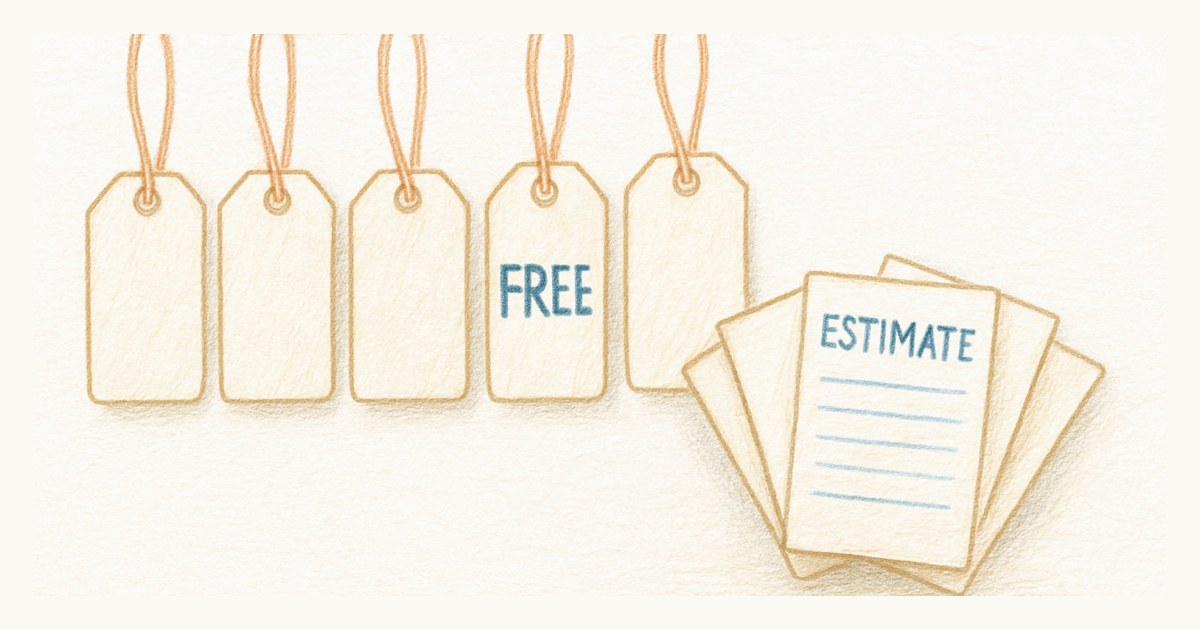
You can add all of them, and this is where people misunderstand Trello's free plan. The old rule that limited free boards to a single Power-Up went away years ago, so you genuinely can stack scrum add-ons on a free board today. EstiMate gives you points and planning poker. Burndown for Trello or Corrello draws the charts. Between a few of these you can assemble something that behaves like scrum.
The catch is that you have assembled it. Each Power-Up is a separate product with its own settings, its own gaps, and frequently its own per-user price on top of Trello. Reviewers who tried to run development sprints in Trello describe the same wall: no task dependencies, no native sprint burndown, features scattered across add-ons that do not quite know about each other. What you save on the base tool you spend in glue and in the mornings you spend maintaining the glue.
How to actually set it up
If you are going to do this, do it properly. Here is the setup that works, and it is worth saying plainly that it does work. Teams run this for years and ship fine.
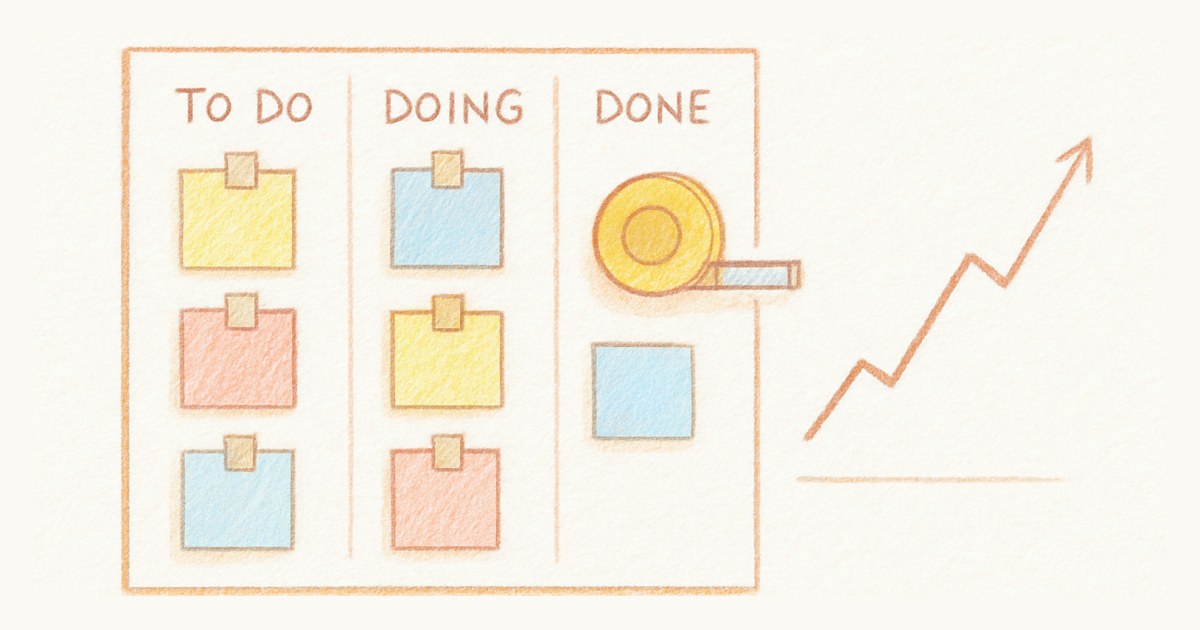
Start with five lists, left to right: Backlog, Sprint Backlog, In Progress, In Review, Done. Atlassian's own Trello guidance starts even simpler at To Do, Doing and Done, and suggests adding In Review once you need it. Either is fine. What matters is that Sprint Backlog is separate from Backlog, because that separation is the only thing on the board that represents a commitment.
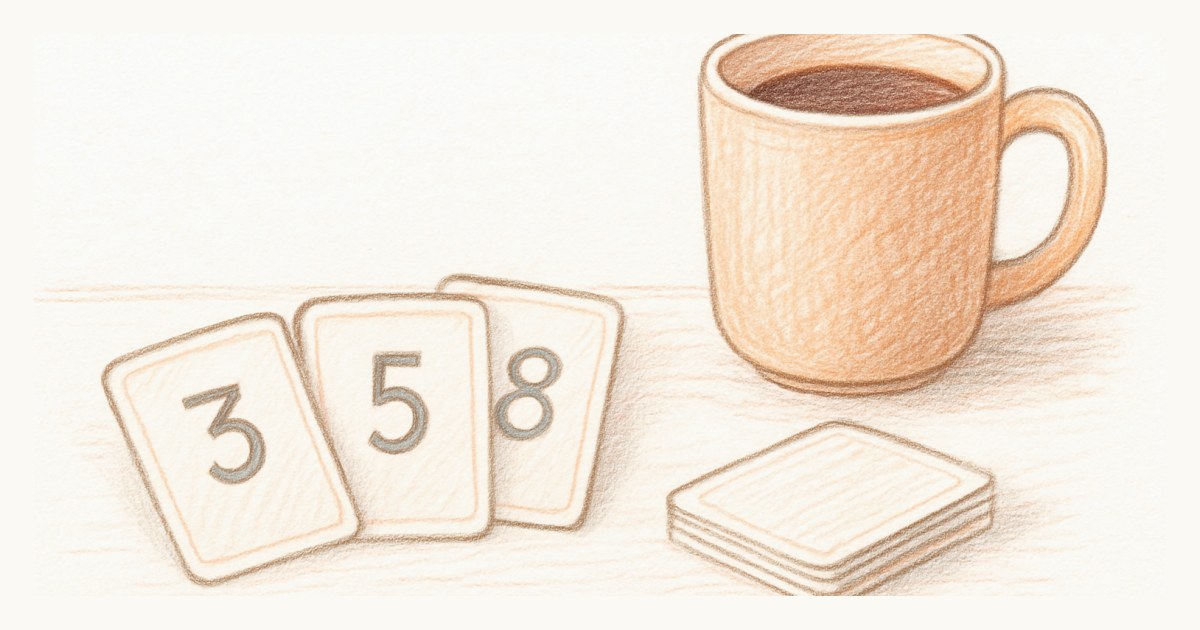
Estimates go in one of two places. Trello has no story point field, so you either add a Custom Field and type numbers into it, which is what Atlassian suggests, or you install a Power-Up that gives you a real points field. EstiMate is the common choice and is free to get started, adding points, planning poker, burndown charts and velocity tracking. Corrello does the charting side across several boards, and you configure it by telling it which lists count as backlog, in progress and done, plus your sprint dates and length.
Then the awkward part, and there is no elegant answer to it. Trello has no sprint object, so "the sprint" is simply whatever happens to be sitting in your Sprint Backlog list right now. Starting a sprint means dragging cards in. Ending one means archiving what is in Done and resetting. Nothing anywhere records that a sprint occurred, which is why velocity has to come from a Power-Up watching the board rather than from Trello itself. If you stop paying for that Power-Up, the history stops with it.
A few more that come up often: Hello Epics gives you parent and child relationships between cards, and Planning Poker handles estimation sessions if you would rather not use EstiMate's.
The limits you actually hit
The free plan's real constraints are not the Power-Ups. They are the Workspace caps: 10 boards, 10 collaborators, and 250 automation command runs a month. A growing team crosses those lines fast, and the collaborator cap is the awkward one, because adding an eleventh person means upgrading the entire Workspace, not just that seat.
Guests have a sharp edge too. A single-board guest is free, even as a read-only observer, which is fine for one client on one board. But the moment someone needs to see two boards, they are billed at the full member rate. It is easy to add multi-board guests without realizing you have just added billable seats.
What built-in scrum feels like instead
The alternative to bolting scrum onto a kanban tool is a tool where scrum was the starting point. In Scrumpy, a sprint has a real start, end and goal, points are a field you set in a second, and velocity and a burn-up chart come from the work you finish, with nothing to install. It is one plan at a flat $9 per editor, every feature included, and every stakeholder who only wants to watch is free, no single-board-versus-multi-board arithmetic to keep in your head.
Scrumpy also does the plainer thing when you want it. Turn sprints off and you get a continuous board that just tracks flow, which is closer to how you were using Trello in the first place. If you are weighing which style your team actually needs, we wrote a straight comparison of scrum versus kanban that might save you an argument.
Trello earns its place as the simplest board on the market. If you have outgrown that simplicity and find yourself shopping for your third scrum Power-Up, that is usually the signal that you want scrum built in rather than bolted on. You can start a sprint on a board that already knows what a sprint is.
Frequently asked questions
Can Trello do scrum?
Trello can approximate scrum, but not on its own. Out of the box it is boards, lists and cards, with no native sprints, story points, velocity or burndown. Each of those comes from a third-party Power-Up such as EstiMate or Burndown for Trello, and each has its own limits and often its own price.
How do I make a scrum board in Trello?
Create five lists: Backlog, Sprint Backlog, In Progress, In Review and Done. Pull cards from Backlog into Sprint Backlog at planning, move them right as work progresses, then archive Done and reset when the sprint ends. Add story points through Trello's Custom Fields or a Power-Up such as EstiMate, which also provides planning poker, burndown charts and velocity.
Is the Trello free plan good for a scrum team?
It can start a team off. The free plan allows unlimited Power-Ups per board, so you can add scrum add-ons, but it caps you at 10 boards and 10 collaborators per Workspace and 250 automation runs a month. Small teams reach those limits, and adding an eleventh person forces a paid upgrade for the whole Workspace.
Why do teams move from Trello to a dedicated scrum tool?
They hit the point where a plain board is not enough: they want sprints with a clear start and end, points that roll up into velocity, and a chart that shows whether a sprint is on track. Trello can be bent into that shape with Power-Ups, but many teams decide they would rather have those things built in.
Does Trello charge for view-only guests?
A single-board guest, including a read-only observer, is free on Trello's paid plans. But a guest who needs to see two or more boards is billed at the full member rate, and on the free plan everyone counts toward the 10-collaborator Workspace limit.